

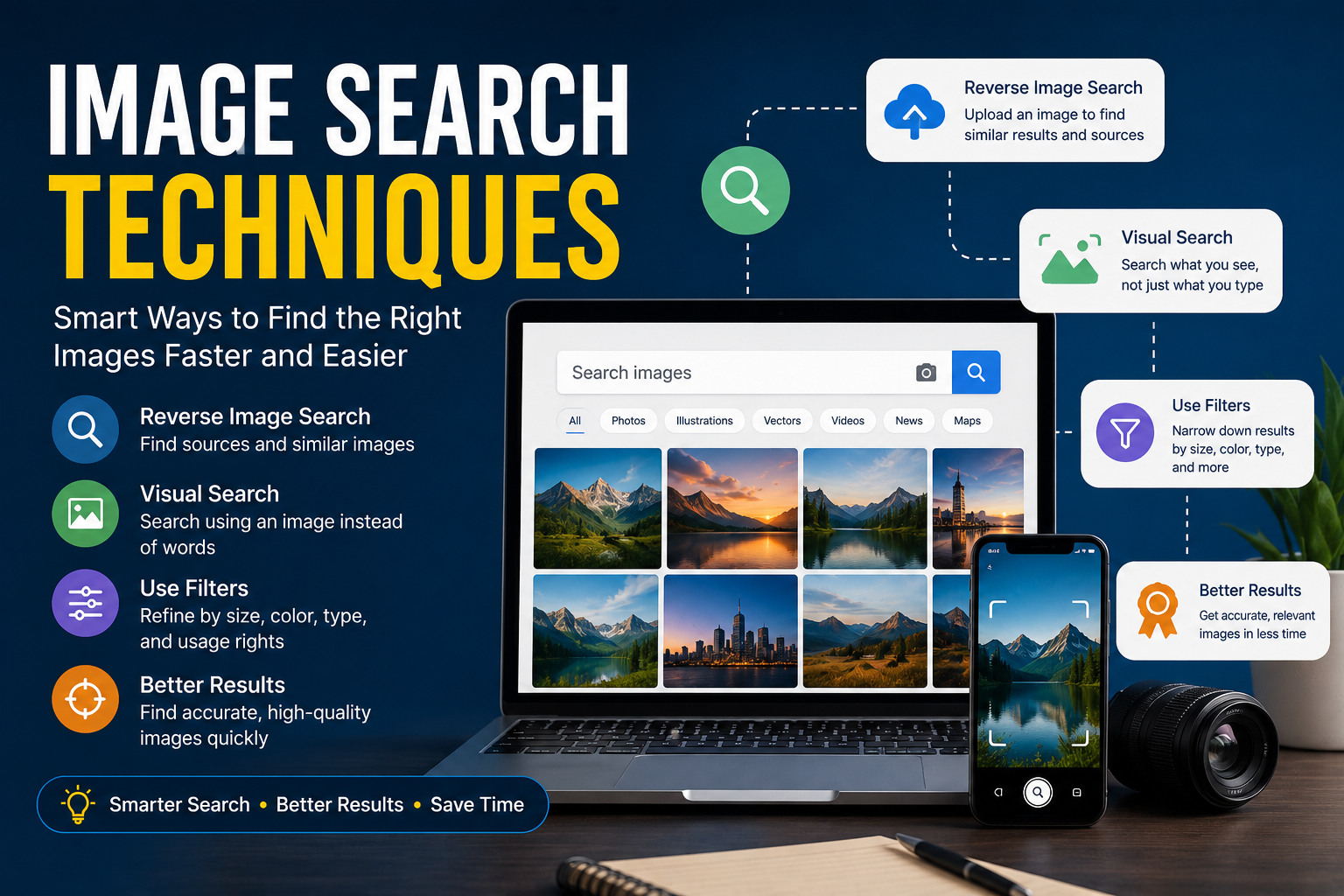

Have you ever searched for an image online and spent far more time than expected trying to find the right one? Whether you’re a blogger, student, marketer, designer, or simply curious about a picture you’ve seen online, knowing the right image search techniques can save a lot of time and frustration.
The good news is that image searching has become much more advanced than it was a few years ago. Today, search engines can identify objects, faces, locations, products, and even similar images with remarkable accuracy. Instead of relying solely on keywords, users can now upload images, use visual search tools, and apply filters to narrow results.
In this guide, we’ll explore practical image search techniques that help you find better images faster while improving accuracy and efficiency.
What Are Image Search Techniques?
Image search techniques are methods used to locate images online using search engines, visual recognition tools, and advanced search features.
These techniques help users:
- Find specific images
- Locate higher-quality versions
- Discover image sources
- Verify authenticity
- Identify objects or products
- Search using images instead of text
The more effectively you use these methods, the easier it becomes to find exactly what you’re looking for.
Start With Specific Keywords
The simplest image search technique is also one of the most effective.
Instead of searching:
“dog”
Try searching:
“golden retriever puppy playing in snow”
The more descriptive your keywords are, the more relevant your results will be.
When I search for blog images, I often include details such as:
- Color
- Location
- Activity
- Season
- Style
- Orientation
These extra details dramatically improve search accuracy.
Use Reverse Image Search
Reverse image search is one of the most powerful tools available today.
Instead of typing keywords, you upload an image or paste an image URL. The search engine then analyzes the picture and looks for:
- Similar images
- Original sources
- Higher-resolution versions
- Related content
- Product matches
This technique is particularly useful when:
- Verifying image authenticity
- Tracking image usage
- Identifying unknown objects
- Finding image owners
Many journalists, researchers, and marketers rely on reverse image searches regularly.
Apply Search Filters
Most users overlook search filters, but they can save significant time.
Common image search filters include:
Size
Find:
- Large images
- Medium images
- Icons
- Wallpapers
Color
Filter by:
- Full color
- Black and white
- Transparent backgrounds
Usage Rights
This is especially important for content creators.
Many search engines allow you to filter images based on licensing and reuse permissions.
Date
Useful when looking for recent events, products, or news-related images.
Using filters helps eliminate irrelevant results quickly.
Search by Image Instead of Words
Visual search technology has improved dramatically in recent years.
Many search engines now allow users to:
- Upload a photo
- Drag and drop an image
- Take a picture with a smartphone
The system analyzes visual elements such as:
- Shapes
- Colors
- Patterns
- Text
- Objects
For example, if you see a chair you like in a hotel lobby, you can photograph it and search for similar products online.
This technique has become especially popular in e-commerce.
Use Quotation Marks for Exact Matches
If you’re searching for text within an image or a very specific phrase, quotation marks can help.
For example:
“New York City skyline at sunset”
This tells the search engine to focus on exact wording rather than interpreting individual keywords separately.
Although simple, this technique often improves search precision.
Explore Related Images
Sometimes the image you initially find isn’t quite right.
Most image search platforms offer “related images” or “similar images” options.
These suggestions can help you discover:
- Better compositions
- Alternative angles
- Different resolutions
- More relevant visuals
I frequently use this approach when looking for featured images because it often reveals options I would not have found through standard keyword searches.
Use Advanced Search Operators
Power users often combine keywords with search operators.
Examples include:
site:
Search images on a specific website.
Example:
site.org vintage camera
filetype:
Search for particular file formats.
Example:
filetype transparent logo
minus sign (-)
Exclude unwanted terms.
Example:
jaguar -car
This helps if you’re searching for the animal rather than the vehicle.
These operators provide greater control over search results.
Identify Products Through Visual Search
One of the fastest-growing image search applications involves online shopping.
Visual search tools can identify:
- Clothing
- Furniture
- Electronics
- Home décor
- Accessories
Many retailers now offer image-based search features that allow shoppers to upload photos and find similar products.
This has made product discovery much easier than traditional keyword searches.
Verify Images Before Using Them
Not every image found online is trustworthy.
Before sharing or publishing an image, consider:
Source Verification
Check where the image originally appeared.
Context Confirmation
An image may be real but used in a misleading way.
Copyright Status
Always review licensing and usage permissions.
This is particularly important for bloggers, journalists, and business owners.
Using unlicensed images can lead to copyright issues.
Mobile Image Search Tips
Image searching on smartphones has become increasingly sophisticated.
To improve mobile searches:
- Use clear photos
- Ensure good lighting
- Crop unnecessary backgrounds
- Focus on the main object
A cleaner image usually produces more accurate results.
Many smartphone search tools now incorporate artificial intelligence to improve recognition accuracy.
Common Mistakes People Make
Even experienced users sometimes struggle with image searches.
Some common mistakes include:
Using Vague Keywords
General searches often produce overwhelming results.
Ignoring Filters
Filters significantly improve relevance.
Forgetting Reverse Search
Many people still rely solely on text searches.
Not Checking Usage Rights
This can create legal complications for commercial projects.
Uploading Poor-Quality Images
Blurry images reduce search accuracy.
Avoiding these mistakes can improve your results immediately.
The Future of Image Search
Image search technology continues to evolve rapidly.
Artificial intelligence now enables systems to recognize:
- Faces
- Landmarks
- Products
- Animals
- Text
- Visual styles
Future developments may allow users to perform even more precise searches based on context, intent, and personal preferences.
As visual recognition improves, image searches will likely become even faster and more accurate.
Conclusion
Image search techniques have come a long way from simple keyword searches. Today, users can upload photos, perform reverse image searches, apply advanced filters, identify products, and verify image authenticity with just a few clicks.
Whether you’re researching information, creating content, shopping online, or verifying a photo’s source, learning these techniques can save time and improve results.
The next time you’re searching for an image, try combining several of these methods. You’ll likely find what you’re looking for much faster—and with far better accuracy.
If you found this article informative, feel free to check out our other articles as well.
FAQs
What is an image search technique?
An image search technique is a method used to find, identify, or verify images using keywords, visual search tools, filters, or reverse image searches.
What is reverse image search?
Reverse image search allows users to upload an image and find similar images, original sources, and related content online.
Why should I use image search filters?
Filters help narrow results by size, color, date, usage rights, and other criteria, making searches more efficient.
Can image search identify products?
Yes. Modern visual search tools can recognize products and often provide shopping links for similar items.
Are all images found online free to use?
No. Always check copyright status and usage rights before using images for commercial or public purposes.